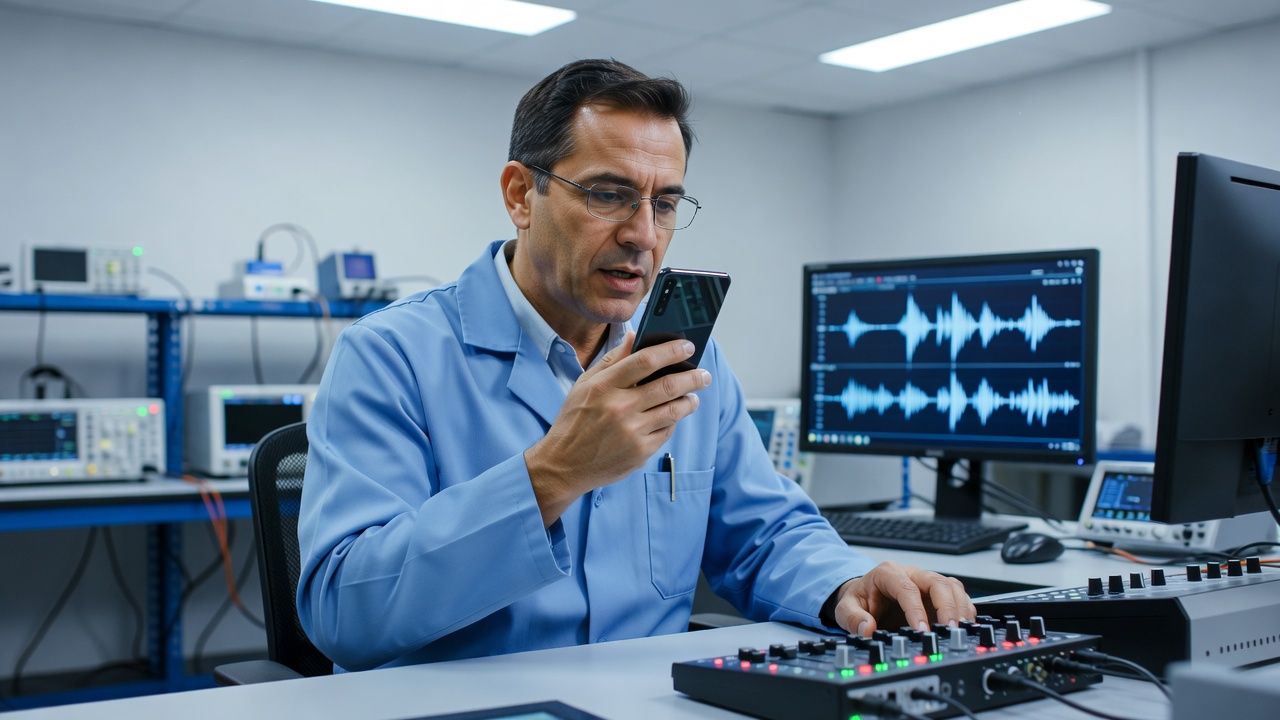
Service introduction
Microphones capture your side of calls, video meetings, voice notes, camera audio and voice assistants. When callers say you sound distant, robotic or silent—while you can hear them normally—the problem is disruptive and often urgent for work and family communication. chroniclebuddyrel provides microphone repair guidance as part of professional mobile phone repair information in Telemark.
Modern phones frequently include multiple microphones for noise control and video. One mic may fail while another still works, creating confusing symptoms: calls fail but video recording audio is acceptable, or vice versa. Accurate symptom notes help diagnostics tremendously.
Common symptoms
- Callers cannot hear you or hear only faint audio
- Voice recordings are quiet, crackly or empty
- Video sound is missing while picture captures normally
- Loudspeaker calls fail on your outgoing audio path
- Noise-cancellation behaviour seems wrong or unnatural
- Problems that appear after liquid exposure or dusty environments
- Intermittent microphone function when the phone is handled
What the service involves
Microphone repair conversations identify which capture scenarios fail: standard calls, loudspeaker calls, camera video, voice memos or app-specific recording. Service may include microphone testing across those modes, reviewing software permissions, and inspecting hardware paths when software checks do not explain the fault.
Hardware inspection considers mic openings, contamination, damage after impact, and related flex or board connections where appropriate for the model. The goal is a clear picture of whether settings, accessories, debris or component faults dominate.
Diagnostic considerations
- App microphone permissions and OS privacy toggles
- Whether Bluetooth headsets are intercepting the audio path
- Differences between phone-app calls and internet calling apps
- Results of a simple local voice recording test
- Evidence of blockage at mic holes near the bottom edge or rear
- History of moisture, drop impact or previous incomplete repairs
Software troubleshooting can resolve permission-related silence. Hardware inspection becomes more important when all apps fail to capture audio, when one physical mic position consistently fails, or when liquid exposure is known.
Repair considerations
Repair pathways vary with modular microphone assemblies, board-mounted components and multi-mic arrays. Not every call-quality complaint requires part replacement; network conditions and the other party’s device can contribute. Still, persistent local recording failure is a strong device-side signal.
Device-use guidance
Keep microphone openings clear of cases that cover ports tightly. Avoid piercing mic holes with sharp objects. After potential liquid exposure, do not rely on repeated call tests alone—seek professional moisture guidance. When testing at home for enquiry notes, try a local recording and a call to a trusted contact, then write down which scenario failed.
When professional assistance may be appropriate
Professional assistance is appropriate when outgoing call audio fails across contacts, local recordings are empty, video audio is missing, or symptoms remain after disabling Bluetooth accessories and reviewing permissions. Combined speaker and microphone faults may indicate wider audio system or moisture concerns.
Post-repair checks
- Standard call clarity reported by the other party
- Loudspeaker-mode outgoing audio
- Voice memo capture levels
- Camera video soundtrack presence
FAQ — microphone repair
Permissions differ by app. If only one app fails, software settings are a likely first stop. If all apps fail, hardware or system-level causes are more likely.
Yes. Poorly aligned cases can obstruct mic openings. Testing briefly without the case can provide a useful comparison for your enquiry.
No. Network quality and the other person’s device matter. Local recordings that also fail strengthen the case for a device-side issue.
No. Software troubleshooting should respect device security and standard permission controls.
Related services
See speaker repair, software troubleshooting, water and moisture inspection and camera repair for overlapping symptoms.