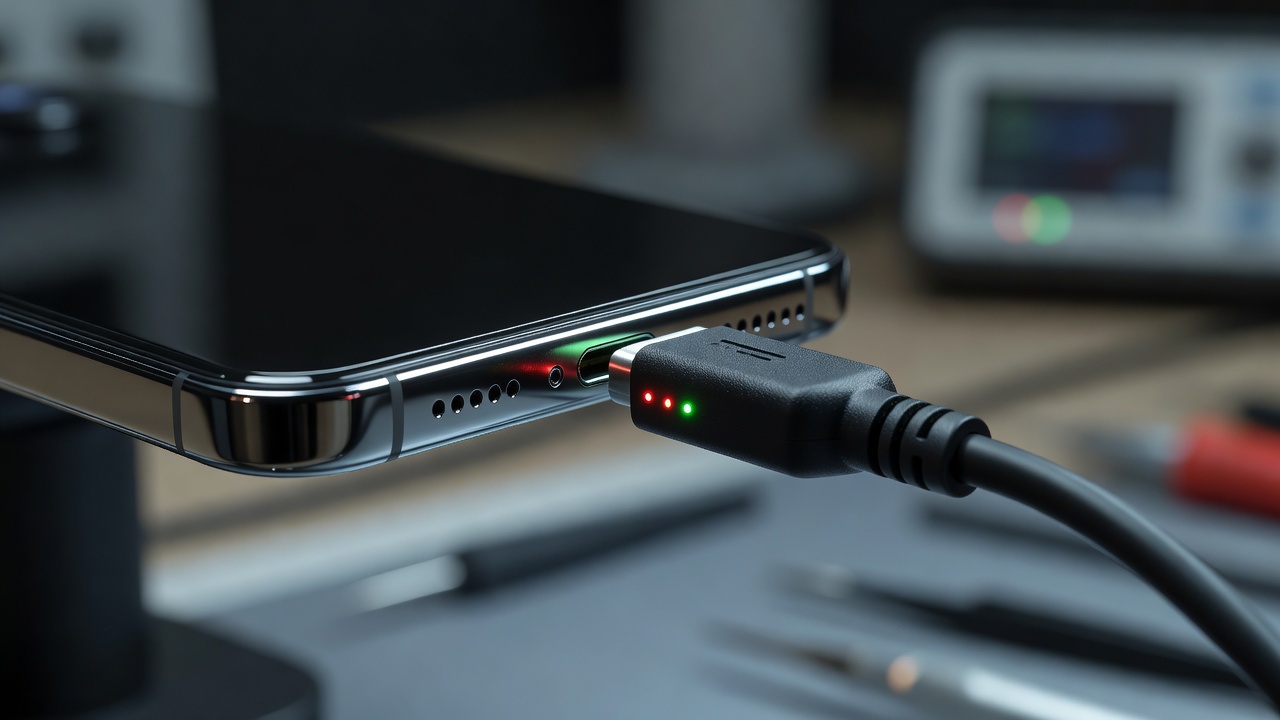
Service introduction
Charging reliability is foundational. When a smartphone only charges at a certain angle, disconnects when lightly touched, refuses recognised cables, or reports accessories that do not behave consistently, daily routines fracture quickly. chroniclebuddyrel offers charging port repair information for mobile phone repair services in Telemark, focusing on practical symptoms, inspection priorities and safe diagnostic thinking.
Charging problems are frequently misattributed. A worn cable can mimic a failed port. Pocket lint can block full insertion. Software charging limits, battery condition and wireless accessory mix-ups can confuse the picture. A professional approach tests the ecosystem around the port before concluding that hardware replacement is required.
This page discusses intermittent charging, loose connections, charging failures, port inspection, debris considerations, cable compatibility and diagnostic checks. It does not instruct users to insert sharp objects into charging ports.
Do not insert pins, knives, needles or other sharp metal objects into a charging port. Doing so can damage contacts, create short-risk conditions or push debris deeper. If the port appears contaminated or damaged, seek professional inspection rather than improvised cleaning with sharp tools.
Common symptoms
- Charging starts only when the cable is held or wedged at an angle
- Connection drops when the phone is moved slightly on a desk
- No charging response with multiple cables
- Very slow charge that does not match expected accessory behaviour
- Loose physical fit compared with when the phone was new
- Intermittent accessory detection messages
- Heat near the port during failed or unstable charge attempts
- Debris visibly packed inside the connector opening
Some users first notice trouble during travel, when swapping chargers frequently, or after months of lint build-up from jackets and bags. Others experience sudden failure after a yank on the cable or a drop that stressed the bottom edge of the phone.
What the service involves
Charging port repair conversations usually map the symptom timeline, accessory list and physical behaviour of the connector. Service may involve inspecting the port for contamination, contact condition and mechanical stability, then correlating those findings with battery and software clues. Where the port assembly or related power path is at fault, repair discussion can consider the appropriate hardware pathway for the model.
Because ports sit at the edge of devices, impact events that crack screens can also loosen connectors. Moisture exposure can corrode contacts over time. A complete service discussion therefore asks about drops, spills and previous attempts to clean or repair the opening.
Diagnostic considerations
- Results with more than one known-good cable and charger where available
- Whether wireless charging still works on models that support it
- Whether the phone charges in powered-off or accessory modes differently
- Visible debris, bent contacts or widened connector housing
- Battery condition that might cause charge-stop behaviour unrelated to the port
- Software settings that limit charging or enable optimisations
- Data transfer behaviour on connectors that also handle file sync
Diagnostic checks aim to prevent unnecessary part replacement. If a single frayed cable is the culprit, that is useful knowledge. If the port rocks under light pressure, mechanical wear becomes a stronger explanation. If charging fails across accessories while the port looks clean, deeper electrical causes may need attention.
Repair considerations
Repair considerations include connector type, board attachment style for the specific phone family, evidence of liquid damage near the port and whether only charging or both charging and data functions are impaired. Some devices integrate the port on a modular sub-board; others require more complex service. Compatibility and careful reassembly matter for long-term connector stability.
Owners sometimes hope that forceful cable insertion will reseat a loose port. That habit can worsen wear. After any suspected internal loosening, reduce stress on the cable bend and avoid using the phone while it hangs heavily from a charger in a wall socket.
Device-use guidance
Use compatible cables and chargers, keep the port facing downward and briefly free of debris when safe to inspect visually, and unplug by gripping the connector body rather than yanking the cord. Do not blow heavily moisture-laden air into the port from the mouth. Do not use sharp tools. If liquid entered the connector, power and charging decisions should be cautious and professional advice is appropriate.
When professional assistance may be appropriate
Professional assistance is appropriate when charging remains unstable across accessories, the connector feels loose, debris cannot be safely addressed, the phone heats abnormally while charging, or charging failed after impact or moisture. It is also appropriate when work demands reliable power and temporary workarounds are no longer practical.
Post-repair checks
- Secure cable retention without needing pressure at special angles
- Consistent charging start behaviour
- Normal temperature range during ordinary charge sessions
- Stable connection when the phone is shifted slightly on a surface
- Related functions such as accessory detection behaving predictably
FAQ — charging port repair
Yes. Cables fail often. Testing with another compatible cable is a useful early step, but persistent angle-dependent charging still warrants port inspection.
Avoid sharp metal objects. If debris is suspected and gentle approaches are insufficient, professional inspection is the safer route.
On supported phones it can be a temporary alternative, but port faults may still need attention for accessories, travel flexibility or models without wireless charging.
Yes. Corrosion can develop after liquid exposure and appear later as intermittent charging. See also water and moisture inspection guidance.
Related services
Explore battery replacement, water and moisture inspection, phone diagnostics and software troubleshooting when symptoms overlap.